LastPass warns of phishing emails posing as backup requests
THE BRIEF
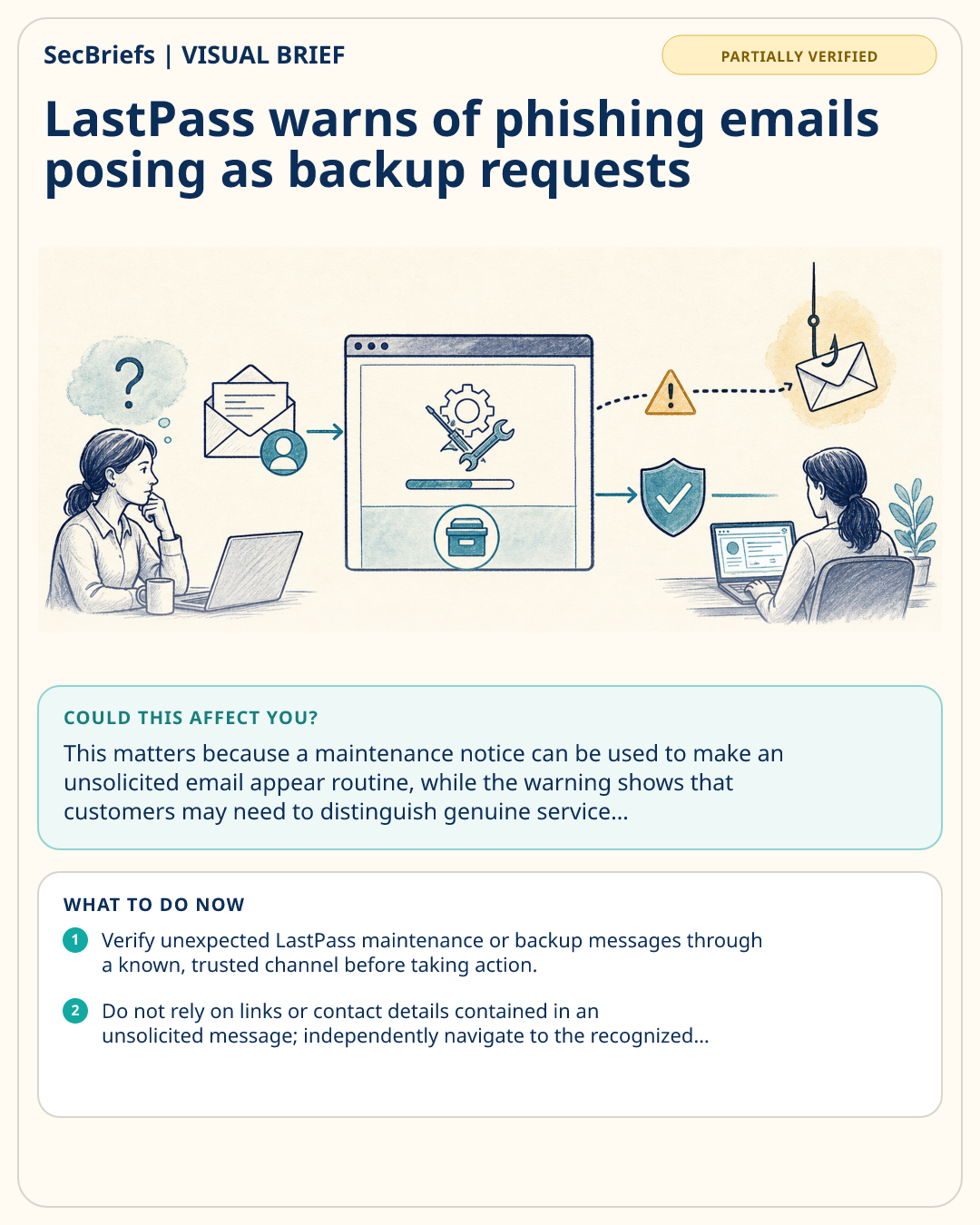
Cybersecurity Dive reports that LastPass warned customers about a phishing campaign sent over the holiday weekend. The deceptive emails claimed that LastPass was carrying out maintenance, according to the company. The report identifies the messages as a “backup request” campaign, but the supplied information does not describe the emails’ links, attachments, requested information, affected customer count, or any confirmed compromise. It also does not establish who sent the messages or whether any recipients acted on them. The warning is therefore best understood as a customer alert about impersonation-themed emails, rather than evidence of a confirmed breach or successful account takeover. Organizations and individuals receiving messages that invoke maintenance or backup activity should verify them through known, trusted channels before responding. LastPass’s warning underscores the need to treat unexpected service notices cautiously, especially when they ask recipients to take action. Cybersecurity Dive published the report on January 21, 2026.
WHY IT MATTERS
This matters because a maintenance notice can be used to make an unsolicited email appear routine, while the warning shows that customers may need to distinguish genuine service communications from deceptive ones. The supplied report does not say whether anyone submitted information, opened content, or suffered account impact, so the key issue here is awareness and verification—not a confirmed compromise. Security teams can use the warning to reinforce how users should validate unexpected LastPass-related messages and where to report suspected phishing.
WHO SHOULD CARE
LastPass customers, help-desk teams, security-awareness leaders, and administrators responsible for communicating service maintenance should care. Individuals who receive unexpected messages claiming to be from LastPass are the immediate audience for the company’s warning.
WHAT TO DO NOW
- Verify unexpected LastPass maintenance or backup messages through a known, trusted channel before taking action.
- Do not rely on links or contact details contained in an unsolicited message; independently navigate to the recognized service or support channel.
- Share the warning with users and help-desk staff, including the campaign’s maintenance pretext.
- Record and escalate suspected phishing emails through your organization’s established reporting process.