
Malicious Chrome and Edge Extensions Reportedly Stole Data and Cryptocurrency
THE BRIEF
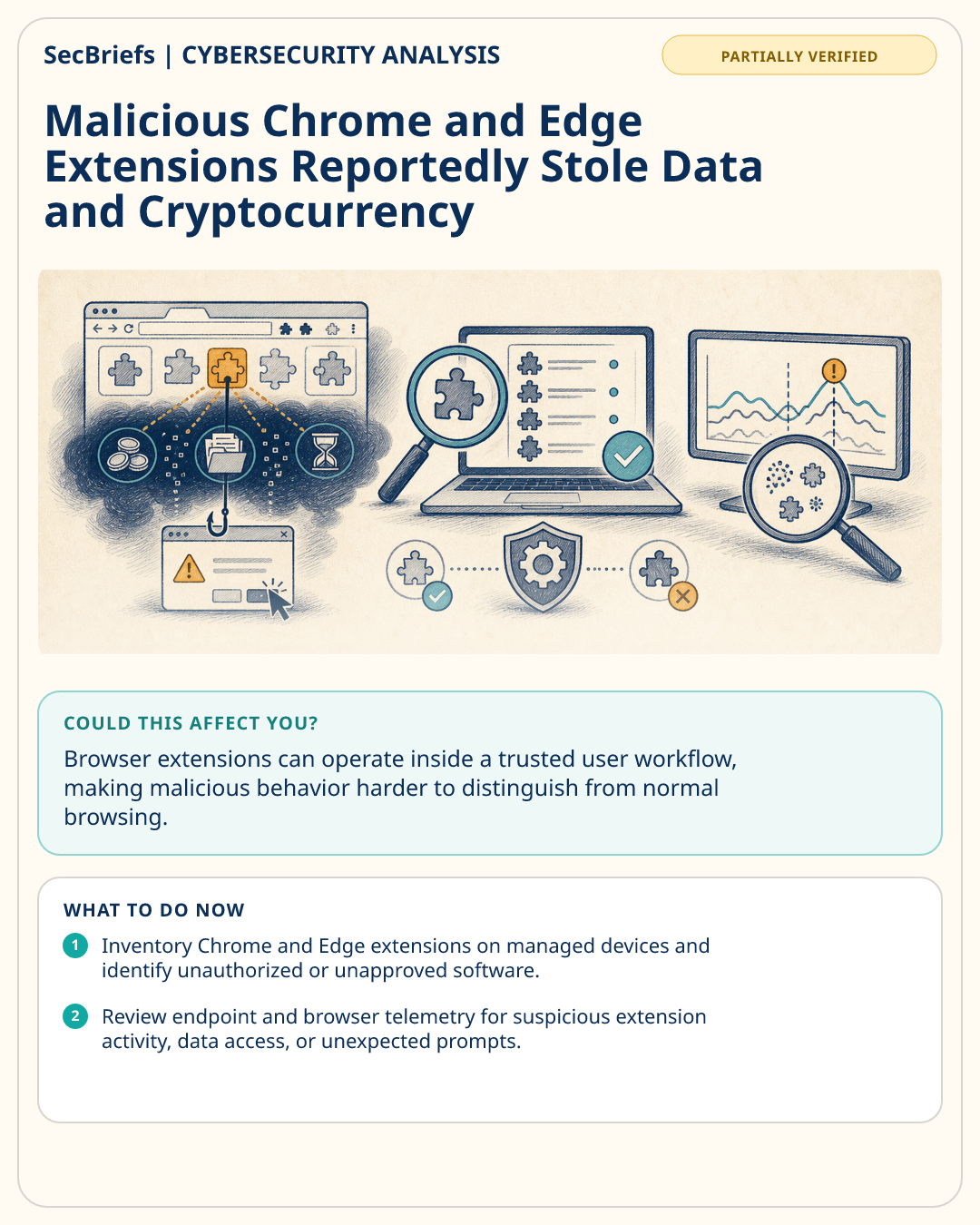
Multiple extensions for Google Chrome and Microsoft Edge reportedly delivered a malware framework with modules for stealing cryptocurrency, sensitive data, and browser history. The supplied report also says the framework could inject ClickFix lures, a detail that connects the extensions to deceptive prompts as well as data theft. The available facts do not state how many extensions or users were affected, how the extensions were distributed, whether victims lost cryptocurrency, or which types of sensitive data were taken. They also do not establish whether the activity remains active. The report describes malicious behavior associated with extensions, but it does not provide enough information to determine the full impact on individuals or organizations. Companies should therefore review browser-extension exposure and investigate suspicious extensions without assuming that every Chrome or Edge installation was affected. This item is partially verified, so the reported capabilities and scope should be confirmed through trusted security research, internal telemetry, and extension inventories before making broader conclusions.
WHY IT MATTERS
Browser extensions can operate inside a trusted user workflow, making malicious behavior harder to distinguish from normal browsing. The reported framework combined cryptocurrency theft, sensitive-data collection, browser-history theft, and ClickFix lures. That combination could create several kinds of risk, but the supplied facts do not confirm losses, victims, or organizational compromise. Extension governance is therefore a practical control: knowing which extensions are installed, removing unauthorized software, and investigating suspicious browser behavior can reduce uncertainty and improve response when a report is only partially verified.
WHO SHOULD CARE
Security operations, endpoint, browser-management, fraud, and digital-assets teams should care. Administrators responsible for Chrome or Edge deployments, along with users handling sensitive information or cryptocurrency, should review extension exposure.
WHAT TO DO NOW
- Inventory Chrome and Edge extensions on managed devices and identify unauthorized or unapproved software.
- Review endpoint and browser telemetry for suspicious extension activity, data access, or unexpected prompts.
- Ask users to report ClickFix-style instructions and avoid following unfamiliar browser prompts.
- Investigate devices where cryptocurrency, sensitive data, or browser history may have been exposed.